


The lyrics look perfect on the main screen. Then you open OBS or vMix to put them over the live stream, and the ProPresenter source is nowhere to be found.
This is one of the most common problems in church streaming, and ProPresenter's maker, Renewed Vision, has a dedicated NDI troubleshooting guide for it. This article walks through that guide, adds what the NDI documentation says about network settings, and gives you a test that splits the problem in two in about a minute.
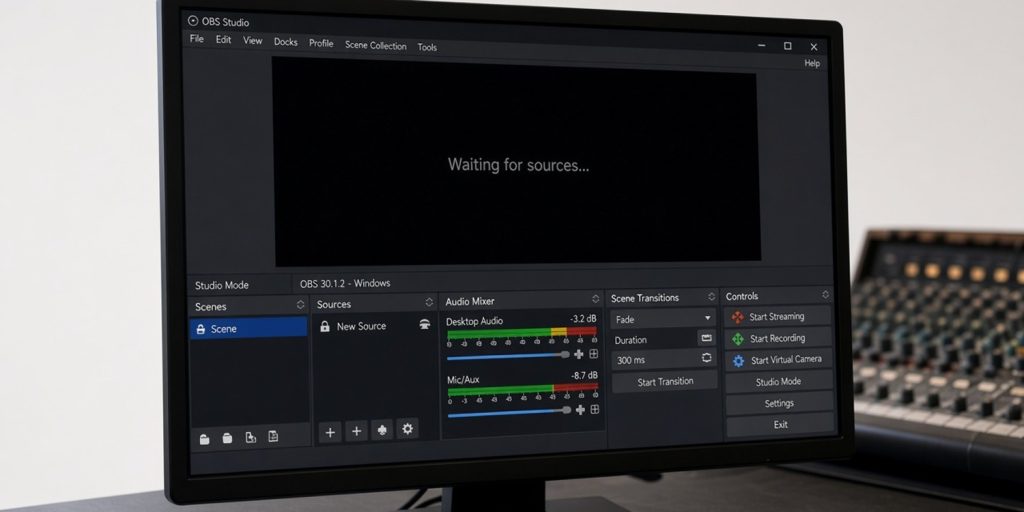
How the lyrics get to the stream
ProPresenter can send its output as an NDI source. NDI is a way of sending video over an ordinary network. A streaming program on the same network, such as OBS or vMix, then lists the ProPresenter output as an input.
For this to work, three things must be true:
- ProPresenter has an NDI output set up.
- The streaming computer can see the network traffic.
- The streaming program can read NDI.
When the source is missing, one of those three is broken. The test below tells you which.
The one-minute test
Renewed Vision recommends testing with Studio Monitor. On Windows it is called NDI Studio Monitor, and on a Mac NDI Video Monitor. Both come with the free NDI Tools.
- On the ProPresenter computer, open the monitor app. You should see the ProPresenter source. This bypasses the network, so it proves that ProPresenter is sending NDI correctly.
- On the streaming computer, open the same monitor app. If the source shows up here, the network is fine and the problem is in OBS or vMix.
- If the source does not show up on the streaming computer, the problem is the network between the two computers.
Renewed Vision's guide says to install NDI Tools on the streaming computer too. Renewed Vision also states that its support team cannot do network troubleshooting, so it is worth knowing which half you are fixing.
If the problem is the network
Same network, same subnet
Renewed Vision's guide says that the devices must be on the same subnet, and gives the example of a computer at 192.168.125.30 and another at 192.168.125.76: the third group of numbers must match. It also says to make sure network discovery is allowed on the router.
Private network on Windows
The NDI documentation says Windows sets new networks to Public by default, and that network locations need to be Private for NDI discovery and registration to work. Check this on both computers.
Firewall and security software
Third-party firewalls and antivirus programs can block NDI. Vizrt's NDI troubleshooting guide names antivirus software and Windows Firewall as common causes. For a deeper look, see our guide to blank NDI inputs in vMix, which covers the same network checks in more detail.
Use a wired, dedicated network
Renewed Vision recommends a dedicated, wired gigabit network for NDI, and notes that NDI is processor-intensive. Shared Wi-Fi is not what the vendor recommends for live video.
If the problem is OBS or vMix
Check the versions
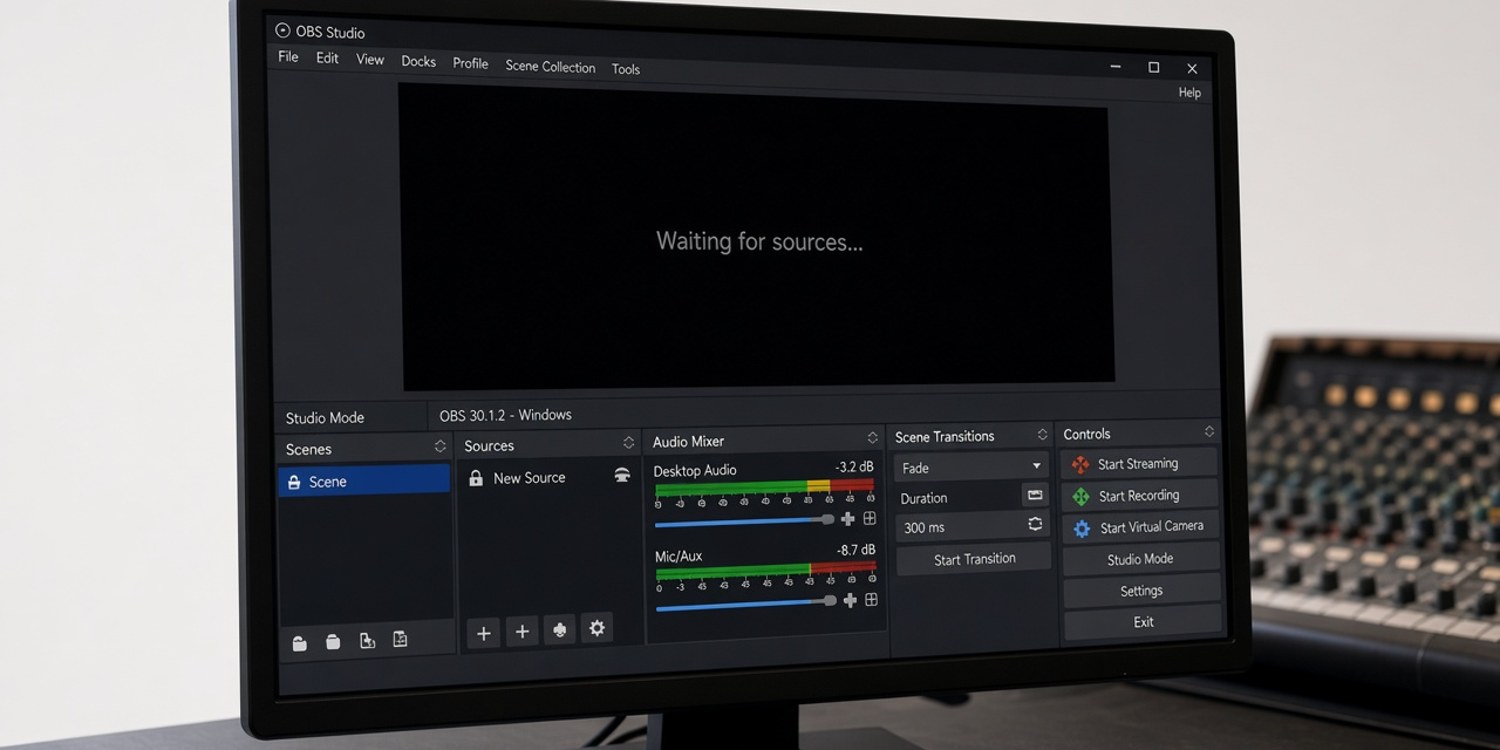
Renewed Vision says ProPresenter uses NDI 6, so other devices and software must support that version. For OBS, the guide says to use the NDI plug-in version it links to, or a later one. OBS does not read NDI without a plug-in.
Reinstall as a last resort
On the OBS forum, one user reported that OBS could not see ProPresenter's NDI output while NDI Studio Monitor could, and that reinstalling OBS and the NDI plug-in fixed it. It is one user's report, not an official fix, but it matches the test above: if the monitor sees the source and OBS does not, the plug-in is the suspect.
If the source appears but the picture is poor
Renewed Vision's guide mentions two further things to check: the firmware on any NDI cameras in the setup, and the camera's Low Bandwidth Mode, which can affect the picture. If the video stutters rather than disappears, our guide to dropped frames in vMix and OBS frame counters explain how to read what the program is telling you.
Reading the result of the test
The monitor test gives you four possible outcomes, and each one points in a different direction.
| ProPresenter computer | Streaming computer | Streaming software | What it means |
|---|---|---|---|
| Source visible | Source visible | Source visible | Everything works |
| Source visible | Source visible | Source missing | Plug-in or version problem in OBS or vMix |
| Source visible | Source missing | Source missing | Network problem between the computers |
| Source missing | Not applicable | Not applicable | The NDI output in ProPresenter is not active |
This follows the approach in Renewed Vision's guide: test on the ProPresenter computer first, then test on the streaming computer. It also means you can hand a precise description to whoever helps you, instead of "NDI doesn't work".
Keep NDI off the busy network
NDI sends video continuously, and Renewed Vision says it is demanding on bandwidth and processors. That is why the vendor recommends a dedicated, wired gigabit network. Some churches use one router for everything: the office, the congregation's guest Wi-Fi and the media booth. If the NDI traffic and everything else share one connection, the lyrics can freeze when the guest network gets busy. A small network switch connecting only the media computers and the NDI cameras is an inexpensive way to separate them.
The checklist
| Step | Check |
|---|---|
| 1 | Does NDI Studio Monitor or NDI Video Monitor show the source on the ProPresenter computer? |
| 2 | Does it show on the streaming computer? |
| 3 | Are both computers on the same subnet, with discovery allowed? |
| 4 | Is the Windows network profile set to Private on both? |
| 5 | Is security software allowing NDI? |
| 6 | Is the streaming software using an NDI 6 compatible plug-in? |
| 7 | Is the connection wired and gigabit? |
How Planify can help
NDI chains involve at least two people: the one who runs ProPresenter and the one who runs the stream.
- Separate positions for each role. Give the presentation operator and the stream operator their own positions in the media department, each with a coordinator.
- Confirmation by tap. Volunteers confirm or decline on WhatsApp.
- Cover from the same position. If someone declines, Planify can ask colleagues who cover that position.
- A monthly rota. The planner proposes assignments with attention to fairness and unavailable periods.
Which features you get depends on your plan.
Read next: church live streaming setup: OBS, vMix, YouTube and Facebook.
FAQ
Why can't OBS see ProPresenter's NDI output?
Either the network is not passing NDI traffic, or OBS has no working NDI plug-in. Test with NDI Studio Monitor on both computers to find out which.
Which NDI version does ProPresenter use?
Renewed Vision says ProPresenter uses NDI 6, so other devices and software should be on that version.
Do both computers need to be on the same subnet?
Yes. Renewed Vision's guide says the devices need to be on the same subnet.
Does ProPresenter support help with network problems?
Renewed Vision states that its support does not do network troubleshooting.
Is Wi-Fi good enough for NDI?
Renewed Vision recommends a dedicated, wired gigabit network, and says NDI is processor-intensive.