




One message. One tap. Full team confirmed.
Planify sends every team member a personalized WhatsApp notification before their assigned date — with interactive buttons to confirm, decline, or nominate a replacement. No app to install. No password to remember. No follow-up calls to make.
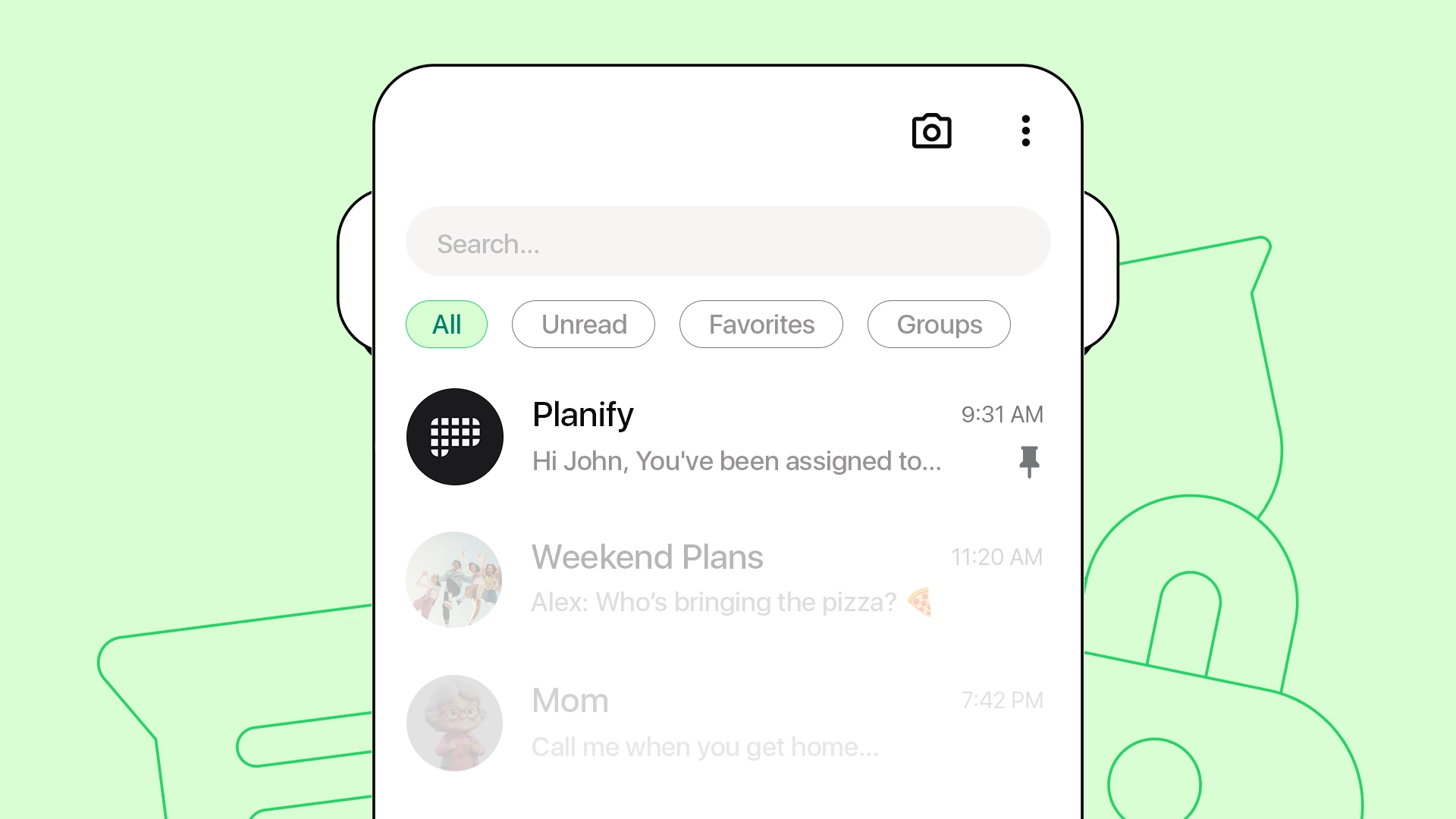
Built for how your team already communicates.
Planify replaces email reminders, SMS chains, and group chat chaos with one interactive WhatsApp message — engineered to get a response within minutes, not days.
Every notification, written for one person.
No generic group broadcasts. Each member receives their own message with their name, their role, their assigned date and time. Personal, professional, and impossible to mistake for spam.
Confirm or decline in a single tap.
Native WhatsApp buttons appear directly in the chat. No typing, no replying with text, no confusion. Members tap "I'll be there" or "Can't make it" and the dashboard updates instantly.
Can't make it? Nominate a substitute.
When a member declines, Planify asks them — still inside WhatsApp — who's taking their spot. The replacement gets notified automatically. The coordinator sees both updates in real time.
No reply? We follow up — so you don't have to.
If a member doesn't respond within your configured window, Planify sends a second reminder. Then a third. If still no answer, the system automatically notifies every available teammate with the same role.
Send notifications when your team actually checks.
Configure when reminders go out — 7 days before, 24 hours before, morning of, or your custom schedule. Match the rhythm of your team and the urgency of your event.
Your team. Your language.
Planify sends notifications in English, Romanian, Spanish, French, German, Italian, and more. Each member receives messages in their preferred language — automatically detected or manually set.
*Indicates features unavailable in the Free version.
Everything you might be wondering about WhatsApp notifications.
Straight answers about how Planify notifications work — for you, your coordinators, and your team members.
No — and that's exactly the point. Your team members receive everything directly on WhatsApp, the app they already use every day. There's no download, no account creation, and no password to remember. They simply receive a message with their schedule details and tap a button to confirm or decline. The entire experience happens inside WhatsApp, which means your response rate stays high — even with volunteers or staff who aren't tech-savvy.
Planify uses the official WhatsApp Business API to send messages on your behalf. Messages are delivered reliably and at scale — without risk of being blocked or flagged as spam. Your team will see Planify as the sender, so every notification feels consistent, professional, and trustworthy. No setup needed on their end.
When a member declines, you see it instantly in your admin dashboard and receive a notification on your own WhatsApp. On the Lead plan, Planify automatically sends a notification to the other available members in the same department — so the gap fills itself without any manual follow-up, no last-minute calls, no panic.
Planify was built with exactly these organizations in mind. Whether you're coordinating a Sunday service team, a weekly outreach program, or a large volunteer event, Planify adapts to your structure. You can create multiple departments — worship team, tech team, hospitality — each with its own coordinator and schedule. Because everything happens on WhatsApp, even volunteers who rarely check email stay informed and confirm on time.
Yes. Planify supports multiple departments, each with its own coordinator, members, and schedule — all managed from a single admin dashboard. On the Lead and Enterprise plans, there's no limit on the number of departments or coordinators. This makes Planify ideal for multi-campus churches, NGO networks with regional teams, or any organization that operates across more than one location.
Planify is purpose-built for faith communities, NGOs, and volunteer organizations that need reliable shift confirmation without technical complexity. By delivering interactive notifications directly through WhatsApp — the app your team already uses — Planify achieves response rates that email and group chats simply cannot match.
The most effective way to reduce no-shows is to confirm attendance on a channel your team already uses. Planify sends an official WhatsApp Business message with one-tap confirm or decline. You see who is coming in the dashboard before the event starts.
See who is coming before the event starts.
Build the roster. They confirm with one tap. No app for your team.
- No credit card required
- No app to install