


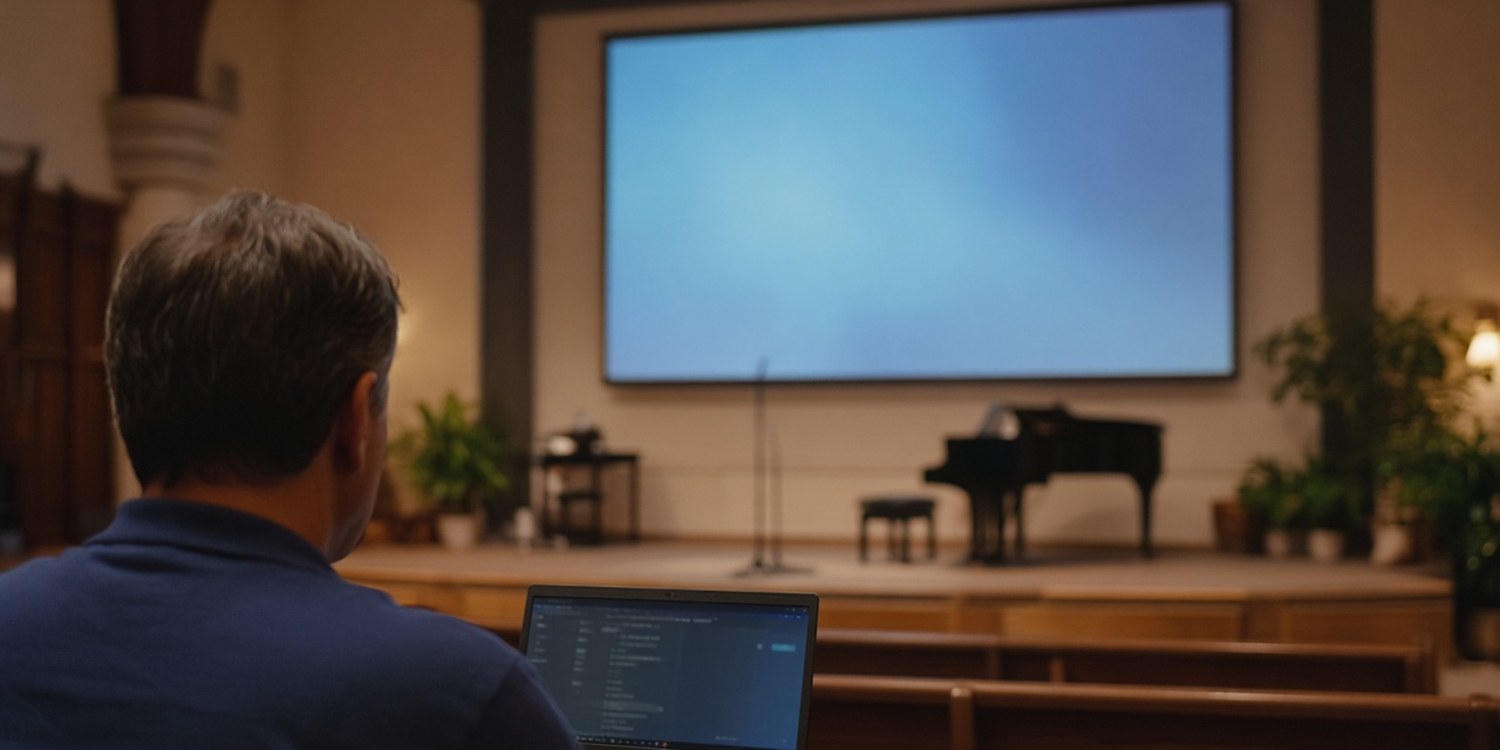
PowerPoint is where most churches start. It is already on the computer, everyone knows how it works and a slide with the chorus on it takes a minute to make.
Then the song list changes at the last moment. A verse is requested from the floor. The livestream needs the lyrics as an overlay. The person who built the slides is away. At that point a general presentation program starts to feel like the wrong tool, and a dedicated one starts to look worth learning.
This article compares PowerPoint with worship presentation software, covers the free options in detail, mentions the paid ones and explains the licensing rule that applies to both.
Key takeaways
- PowerPoint is fine for a small team with stable, pre-built slides. Dedicated software saves time when songs, verses and operators change every week.
- Three free, open-source options are OpenLP, FreeShow and Quelea. All three are cross-platform, and none charges per seat.
- The paid leaders, ProPresenter, EasyWorship and Proclaim, are subscription products with more media, support and integrations.
- Projecting lyrics requires permission. In the United States, a CCLI Church Copyright License covers it, and you must show the copyright details with each song.
What PowerPoint does well
PowerPoint is a general presentation tool, and for some churches that is enough.
- It is familiar. Volunteers already know it, and nothing new needs to be learned.
- It is flexible for design. You can lay out a slide however you like.
- It handles one-off material. Sermon slides, announcements and special events fit naturally.
Dedicated programs do not replace it entirely, either. OpenLP, for instance, can run PowerPoint and OpenOffice presentations from inside its own service list, using the installed application to display them. FreeShow can import PowerPoint files, and EasyWorship lists PowerPoint among the content it works with.
Where it starts to strain
PowerPoint was not designed for a service. The friction tends to show up in the same places.
- Songs: each song is a separate file or a long deck. Changing the order on the day means editing slides.
- Scripture: there is no built-in Bible search. Someone has to type or paste the passage.
- Reuse: a song has to be made into slides once for each church or each design.
- Late changes: an extra verse, a repeat of the chorus or a skipped section means going back into the slides.
- The operator's view: a volunteer needs to know what is next and what is on screen, not hunt through a deck.
Dedicated software takes these on directly. It keeps a library of songs and Bibles, lets you put them in a service order and shows lyrics, verses and media from the same list.
The free options
OpenLP
OpenLP is free and open source, released under the GNU General Public License. It was first created in 2004 and runs on Windows, macOS, Linux and FreeBSD.
What it offers, according to its own manual:
- A searchable database of songs and Bible verses, which you can save in a prepared service order.
- PowerPoint and OpenOffice presentations, video and audio, run from inside the program.
- Alert messages, so the nursery or car park stewards can notify the congregation.
- A built-in web remote that works in any browser on the network, plus Android and iOS apps, so a worship leader can change songs from a phone.
- A stage view that shows the live service text on a black background on any device on the network.
Its own site says you can install it on as many computers as you like at no cost.
FreeShow
FreeShow describes itself as a free and open-source presenter, run by a non-profit and supported by donations. It is the newer of the free options.
- Multiple outputs. You can show the same presentation with different looks for the congregation, the online audience and the stage.
- NDI output. It can send outputs over the network to OBS or vMix, including a transparent version with text only. Its documentation recommends an Ethernet connection and notes that NDI is not supported on Linux.
- OBS control. It can control OBS directly through OBS's WebSocket server.
- Import. It can import from PowerPoint, ProPresenter, EasyWorship, VideoPsalm, OpenLP, OpenSong and other formats.
- Other features. Countdowns, MIDI input, chords on the stage display, a web output for phones and cloud sync between computers.
Because it is the newest of the three, it has a shorter track record than OpenLP, which is worth weighing if your team needs a lot of guidance.
Quelea
Quelea is free and open source under the GPL, with installers for Windows, macOS, Linux and a cross-platform Java version.
- Its stage view can show chords to the band without showing them to the congregation, and chords can be entered above the lyrics and transposed.
- It displays songs, Bible passages, images, video, presentations and PDFs.
- It can import song databases from EasyWorship, OpenLP, EasySlides and others.
The paid options
Three programs dominate the paid market. All are subscriptions, and prices change, so check each vendor's current plans.
| ProPresenter | EasyWorship | Proclaim | |
|---|---|---|---|
| Platforms | Windows, macOS | Windows 10 and 11, macOS 14 or later | Mac and PC |
| Model | Subscription only for new buyers | Subscription (Basic and Premium) | Subscription, unlimited seats |
| Stream output | Multiple feeds, including a separate online feed | NDI output | NDI, SDI and virtual screens, included in every plan |
| Song licensing link | Lyric and copyright integration | CCLI SongSelect integration | SongSelect, Planning Center and others |
| Notable | Up to 8 content layers; remote app included | Basic includes a campus licence; Premium adds media | Cloud collaboration; plans differ only by media library |
These details come from the vendors' own pages. What you pay for is polish, media libraries, support and integrations. Whether that is worth it depends on how many screens, outputs and operators you have.
The licensing rule that applies to all of them
It makes no difference whether the lyrics come from PowerPoint or a worship program. Projecting copyrighted songs needs permission.
In the United States, CCLI's Church Copyright License covers projecting lyrics from a computer or digital device, and storing and retrieving song files in presentation software for that purpose. Its terms require that the copyright information appears with each projected song. For a song with several slides, it only has to appear once, at the beginning or end. The number to show is your church's licence number, not the song's ID.
CCLI also says you cannot change song lyrics without the owner's permission. You can arrange the song, start with the chorus or skip verses, but not rewrite the words. Livestreaming needs a separate Streaming License. Rules differ by country, so check what applies to you.
How to choose
- Start with the operator. Choose what the volunteer in the booth can learn in an hour. A powerful program nobody can run is worse than a simple one.
- List your outputs. One screen, or congregation plus stage plus stream?
- Decide how you stream. If you overlay lyrics on the stream, look for NDI or an equivalent output.
- Try it with a real service. All the paid options offer trials, and the free ones cost nothing.
- Check your operating system. OpenLP and Quelea run on Linux. EasyWorship does not list it.
- Plan for hand-over. Pick something your next volunteer can inherit.
How Planify can help
Whichever program you choose, a person has to run it. Slides are one of the roles that often goes to whoever happens to be free.
- A position for slides. Create a slides or projection position in your media department, with a coordinator who owns it.
- Confirmation by tap. The volunteer confirms or declines on WhatsApp, so you know early.
- Cover from the same position. When someone declines, Planify can ask colleagues who cover that position.
- Time away. Unavailable periods, such as a month away, are respected when assigning.
Which features you get depends on your plan.
Read next: the church media booth guide: sound, cameras and projection.
FAQ
What is the best free church presentation software?
OpenLP has been around since 2004, FreeShow is the newest and offers NDI output for streaming, and Quelea is strong for bands that want chords on a stage view. All three are free and open source.
Can you use PowerPoint for church lyrics?
Yes. It works for stable, pre-built slides. For frequent changes, scripture lookups or stage and stream outputs, dedicated software is usually easier.
Do we need a licence to project lyrics?
You need permission for copyrighted songs. In the United States, a CCLI Church Copyright License covers projecting lyrics, with the copyright details shown on each song. Check the rules for your country.
Is ProPresenter worth the price?
It depends on how many outputs and operators you have. It is a subscription product with a deep feature set and support. If you only need lyrics on one screen, a free option may do.