


Choosing a camera for a church livestream is easy to get wrong. The spec sheet looks great, then the first long service shows a problem nobody planned for: the camera stops after 30 minutes, the signal cannot reach the booth, or the pastor is a small figure in the middle of the frame.
This guide starts from the room, not from the brand. It covers the three common camera types, how to connect them and what to test before your first stream.
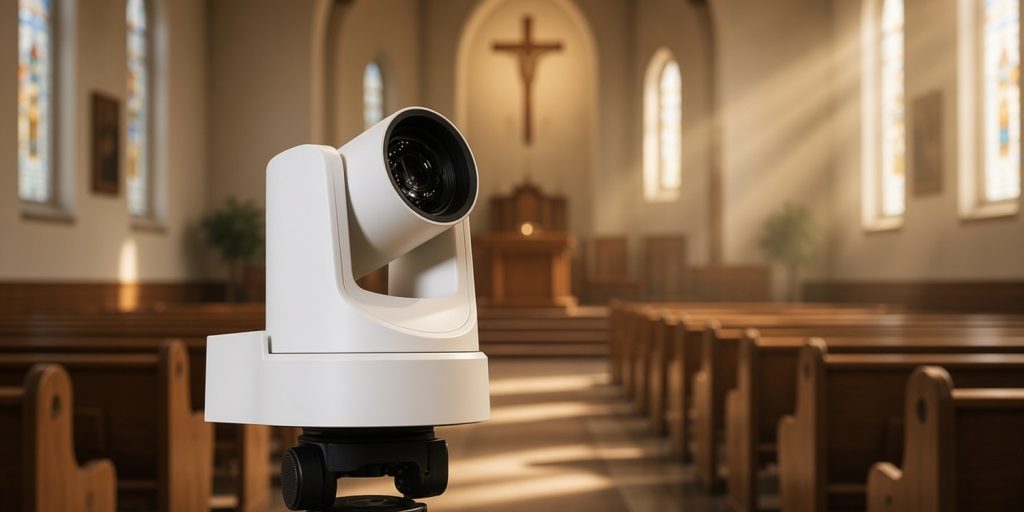
Key takeaways
- Choose by room: distance to the platform, how many cameras you need and who will operate them.
- PTZ cameras suit small teams. Mirrorless and DSLR cameras can look great but need care with clean output, power and heat.
- HDMI works for short runs. SDI or network video (NDI) is safer over long distances.
- Test the exact setup for longer than your longest service.
Start with the room, not the camera
Before you look at a single model, answer four questions.
- How far is the camera from the platform? This sets the zoom you need.
- Where can the camera sit? Rear center gives a clean angle. Side positions add variety.
- How many cameras do you need? One wide shot is a valid start.
- Who operates them? If nobody is free, choose a camera you can set once and leave.
Write the answers down. They narrow the choices faster than any review.
The three camera types
| Type | Good for | Watch out for |
|---|---|---|
| PTZ camera (pan, tilt, zoom, remote controlled) | Small teams, rear-room placement, saved shot positions | Needs a controller or software; long zoom costs more |
| Camcorder | Long services, built-in zoom lens, manual operator | Needs a person at the camera |
| Mirrorless or DSLR | Image quality, shallow depth of field | Clean output, recording limits and overheating |
The table is general guidance. Check the specifications of any model you consider.
PTZ cameras
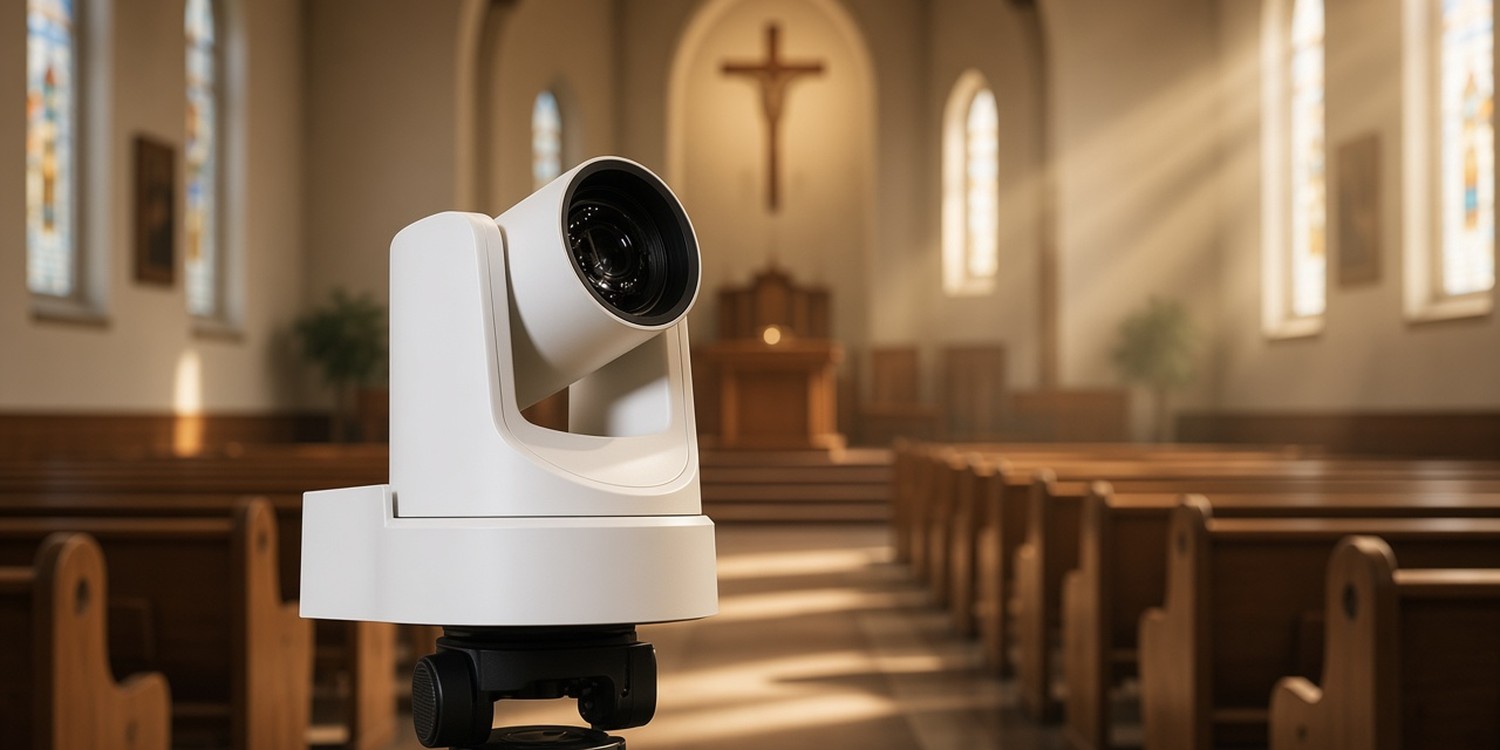
A PTZ camera is operated remotely. You can store shot positions, called presets, and recall them with one click from your streaming software or a joystick controller. This means one person can run several cameras.
Some PTZ cameras carry video, audio and control over a single network cable using NDI, as one vendor explains. This can simplify wiring if your camera is within 100 meters of your network gear.
Mirrorless and DSLR cameras
These cameras produce a beautiful image. They were built for photography and shorter recordings, which causes three problems in a church setting. We cover them below.
How much zoom do you need?
Optical zoom matters more than megapixels in a deep room. A PTZ vendor gives a simple guide:
- 12x if the platform is closer than about 25 to 50 feet
- 20x for about 50 feet
- 30x to frame a head-and-shoulders shot from about 75 feet
Measure the real distance from the planned camera position to the speaker's spot before you buy.
Cables: HDMI, SDI or network
How the signal travels matters as much as the camera.
- HDMI is common on consumer and mirrorless cameras. One manufacturer says it can stretch to about 15 meters at 1080p60, and Blackmagic's guidance for reliable runs is much shorter, around 10 feet.
- SDI uses locking connectors. At 1080p60, the 3G-SDI spec allows up to 100 meters on good cable. Real runs are often shorter, depending on cable quality and connectors.
- NDI sends video and control over the network. It can reduce cabling in multi-camera setups, but it needs proper network planning.
If the camera is far from the booth, plan for SDI or NDI.
Three traps with mirrorless and DSLR cameras
Trap 1: The picture is not clean
To stream from a camera, you capture its HDMI or SDI output. Some cameras also send on-screen information, such as battery and exposure icons. You need a clean signal without them. Check the menu for a setting.
On Sony cameras, a manufacturer guide says to set HDMI information display to Off for a clean feed. Verify the capture preview before going live.
Trap 2: Recording and output time limits
Some cameras stop HDMI output after about 30 minutes. Canon's support team says that on its cameras the limit applies to HDMI output through a capture card, not to its webcam utility. To keep HDMI running longer, set the HDMI display option to the camera-and-computer icon and disable power saving. Settings differ by model, so read your manual.
Trap 3: Heat and power
Long streams make some cameras hot. Epiphan notes that a dummy battery with an AC adapter is better than USB power for long sessions, and that some models are more prone to overheating than others. Many DSLRs show an overheating warning after about 30 minutes in live view.
Practical steps:
- Use a dummy battery and AC power
- Turn off auto power-off
- Keep the camera in open air with the screen open
- Choose 1080p unless you need 4K
Do you need 4K?
For most church streams, 1080p is enough. YouTube's recommended H.264 bitrate for 1080p30 is 14 Mbps. Higher resolutions need more bandwidth, more processing and more cooling.
Choose 4K only if you need to crop into the frame or record at higher resolution. For the stream settings, see our church media booth guide.
How many cameras and where?
This part is our suggestion, not a rule.
- One camera: a wide shot from rear center, set once.
- Two cameras: add a closer shot of the speaker, on a PTZ preset or with an operator.
- Three or more: add a side angle or a congregation shot. Add a person to direct only when you need one.
Add cameras when your team can handle the extra work.
Test before the first Sunday
Run a full test before you go live.
- Run the camera for longer than your longest service.
- Confirm the stream preview shows a clean picture.
- Check that power-saving and auto power-off are disabled.
- Test the cable run at its full length.
- Watch the camera for heat warnings.
- Save PTZ presets and recall them from the booth.
Who runs the cameras?
A good setup still needs a person on Sunday. Camera operators, a stream operator and a back-up should all know their seat.
In Planify, each seat in a service is its own position. Each volunteer gets the assignment on WhatsApp and confirms or declines with one tap. If one person declines, you can ask others who cover that position, without affecting the rest of the team.
For the weekly rhythm, see how to organize Sunday volunteer teams.
FAQ
What is the best camera for a church livestream?
It depends on the room. A PTZ camera suits small teams and rear placement. A mirrorless camera suits better image quality if you can handle clean output, power and heat.
Is HDMI or SDI better for church streaming?
HDMI is fine for short runs near the booth. SDI is safer over long runs, with up to 100 meters in the spec on good cable.
Why does my camera stop streaming after 30 minutes?
Some cameras limit HDMI output time or overheat. Check the clean-output and power settings in your manual, use AC power and test for longer than your service.