


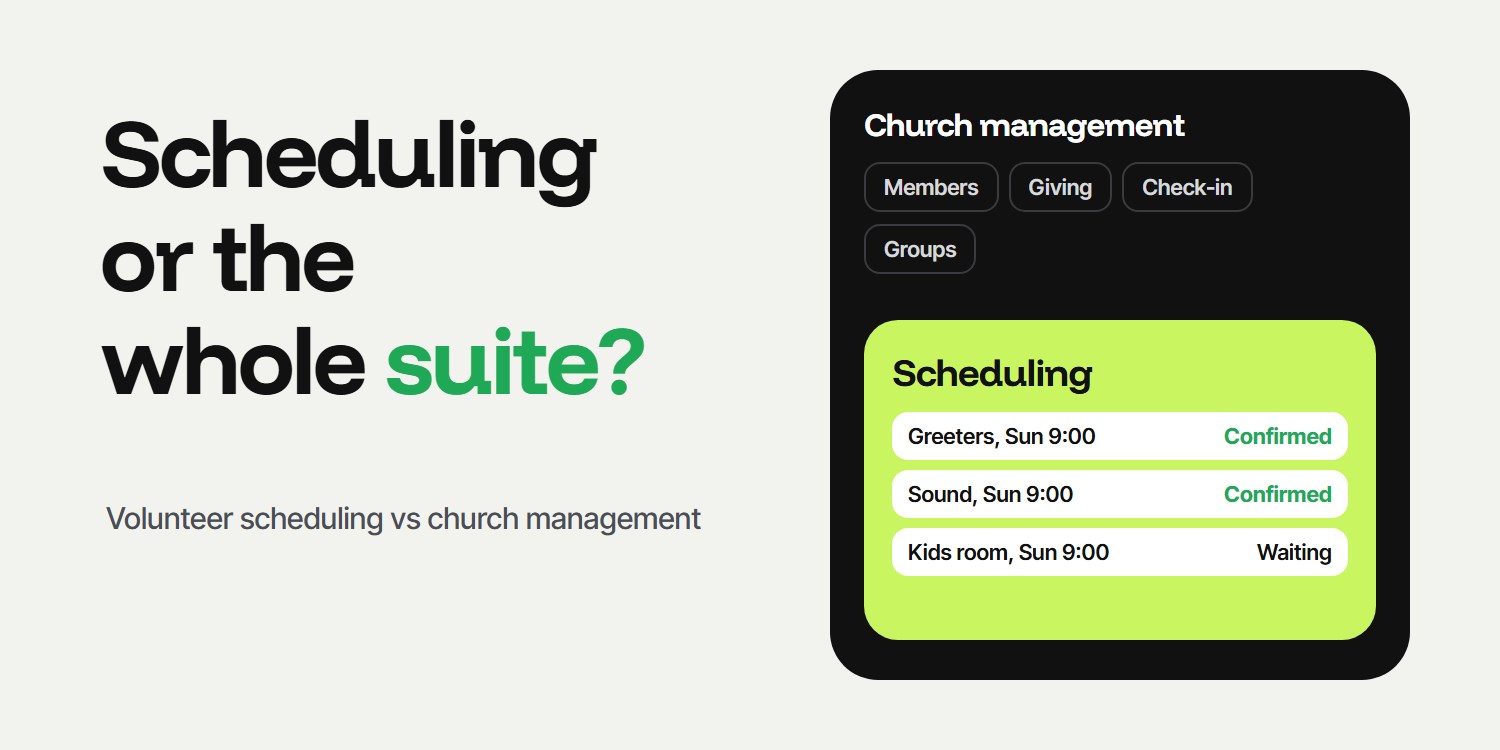
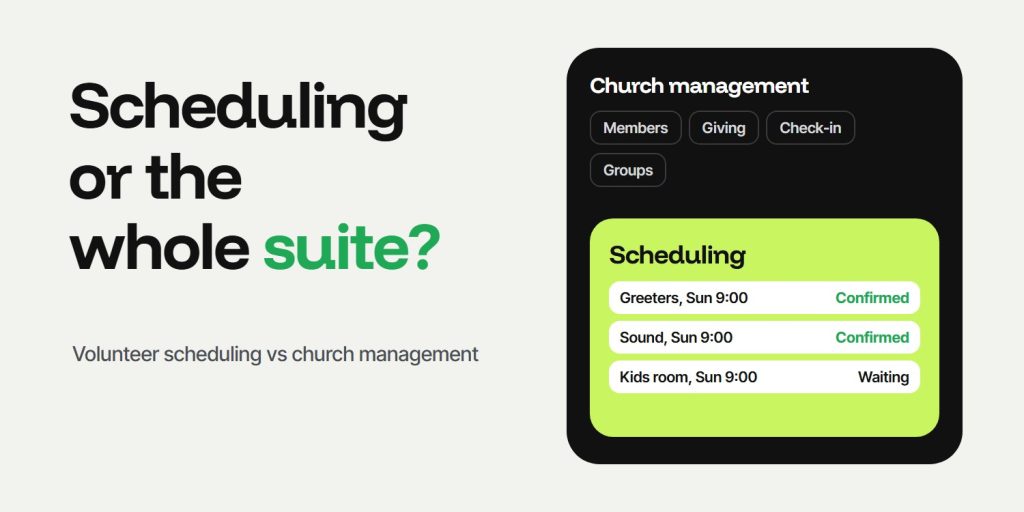
You need volunteer scheduling software if your problem is who is serving and whether they confirmed. You need church management software if you also want one system for members, giving, check-in and groups. Many churches start with scheduling alone and add a suite later. Prices were checked on 27 October 2026 on each company's own page.
Key takeaways
- Scheduling software answers who serves when. Church management software also tracks members, giving, check-in and groups.
- Some suites include volunteer scheduling in the feature list, and some sell it as a separate product.
- Start with the smallest tool that fixes today's problem, then add more.
- Compare the full monthly cost, not only the scheduling part.
How do you decide between scheduling software and church management software?
- List what you track today. Write down where your members, volunteers, giving and attendance live now.
- Name the one problem that hurts most. If it is unanswered volunteer requests, you have a scheduling problem, not a database problem.
- Separate must-have from nice-to-have. Mark giving, check-in and groups as needed now, later or never.
- Check how deep scheduling goes in a suite. A feature list line is not the same as confirmations, reminders and replacements, so test it.
- Compare the total monthly cost. Add every product and message cost you would really use.
- Start small. Fix the main problem first, and add a suite when the other needs become real.
These steps are our practice. We make a scheduling tool, so read with that in mind and check each company's page yourself.
What is the difference between volunteer scheduling software and a church management system?
| You need | Scheduling tool | Church management suite |
|---|---|---|
| Assign people to dates and roles | Its main job | Often included, depth varies |
| Know who confirmed | Its main job | Check how it works |
| Member database | Usually not included | Core feature |
| Giving, check-in, groups | Not included | Included or sold as modules |
| Price | Lower, based on teams or people | Higher, covers more |
The table is our summary, not a research finding, and the words "depth varies" mean you should test the scheduling before you buy a suite for it.
What do church management suites include and cost?
Breeze lists its Church Management plan with free giving at $72 a month, with no setup fees or contract and a 30-day free trial. The feature list includes unlimited contacts, online and text giving, text messaging, event management, member directories, check-in, service planning, attendance and giving reporting, and volunteer tracking and scheduling. Its page gives no detail on how the scheduling works.
Planning Center sells separate products that you pay for individually. The page lists the member database, reporting and communication as always free, and Services, its worship planning and scheduling product, as free for 5 team members and from $15 a month for 20. Check-ins, Groups, Giving and Registrations each have their own free tier with limits, such as 10 daily check-ins and 15 group members.
The two work differently, with one bundle on one side and separate products on the other. For a price comparison focused on scheduling, see Planify vs Planning Center Services.
When is scheduling software alone enough?
- Your members and giving are already handled somewhere else.
- Your pain is confirmations, replacements and no-shows.
- You run a team or ministry rather than a whole church.
- You want a low monthly cost that grows with the teams you add.
When do you need a full church management system?
- You want one member record for attendance, giving and groups.
- You keep re-entering the same people in several tools.
- You need online giving, check-in or a church app and want them connected.
- Staff time spent copying data costs more than the suite.
If you are on spreadsheets now, see spreadsheet versus scheduling software.
How can Planify help alongside a church management system?
Planify handles the confirmation side. It sends each volunteer a WhatsApp message for their date with a confirm and a decline button, shows who has not answered and lets you send an open call when a spot is empty. It does not include a member database, giving or check-in, so many churches use it next to the tool they already have. Volunteers need WhatsApp and a phone number on file, and they do not install an app. See the church volunteer scheduling page and the current pricing.
Sources
FAQ
Is church management software the same as volunteer scheduling software?
No. Church management software covers members, giving, check-in and groups, and may include scheduling. Volunteer scheduling software focuses on assigning people to dates and getting them to confirm.
Do you need a church management system to schedule volunteers?
No. A scheduling tool can run on its own. A suite makes sense when you also want the member database, giving and attendance in one place.
How much does church management software cost?
It varies. On 27 October 2026 Breeze listed its Church Management plan with free giving at $72 a month. Planning Center sells products separately, with Services from free for 5 team members to $239 a month for unlimited.
Can you use scheduling software and church management software together?
Yes. Many churches keep a suite for members and giving and add a scheduling tool for confirmations. Check whether you can export the people list you need.
What should a small church buy first?
Fix the problem that hurts most. If that is volunteers who do not answer, start with a scheduling tool, and add a suite when the other needs become real.