


The schedule is finished. It took an evening, and it looks good. Now comes the question that every coordinator faces next: how do you get it to the team?
Some print it and pin it to the noticeboard. Some export a PDF and send it round. Some paste it into a message or post a screenshot. All of them work, once. The trouble starts on the first change.
This article compares the three common ways to share a monthly volunteer schedule, what each does well, where each breaks and what it costs you to keep the team looking at the same version.
Key takeaways
- Paper and PDF are good at being seen once and bad at staying correct.
- Every change creates a second version, and people follow whichever one they saw last.
- What a team needs is one place to look, not another copy to circulate.
- A shared schedule is only useful if people can find it and trust that it is current.
Option one: paper
Printing the schedule and putting it where volunteers pass has real strengths.
- Nothing to open. People see it when they walk by.
- No technology needed. It works for everyone, including people who rarely use their phones.
- It signals that the schedule is official.
The weaknesses are easy to guess.
- It reaches only people who visit. Volunteers who are away or arrive late never see it.
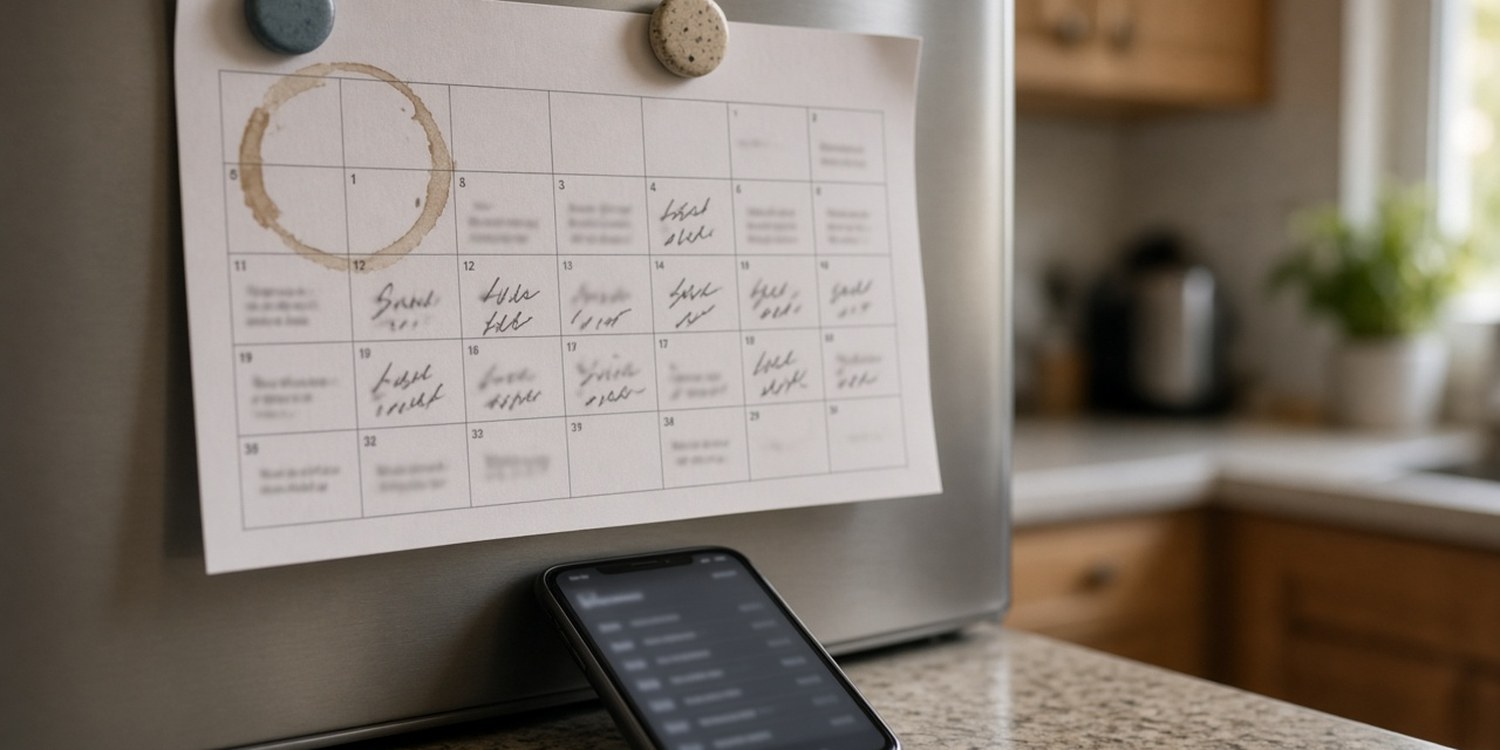
- It cannot be updated quietly. A correction means reprinting or writing on it, and the old sheet may still be on someone's fridge.
- There is no way to know who has looked.
Paper suits a fixed schedule in a place everyone visits. It struggles with anything that changes.
Many teams end up using paper and a message together: the sheet on the wall as the official copy and a chat message for changes. That works until the two disagree, and then nobody knows which one wins.
Option two: a PDF or an image
Sending a file to the team solves the reach problem. It lands on phones, and people can keep it.
- It is quick. Export, attach, send.
- It looks the same for everyone.
- It can be saved and printed.
But a file is a snapshot.
- It is frozen in time. The moment you send it, it starts to age.
- Corrections mean a new file. Which then has to be sent again, and people still have the old one in their downloads or chat history.
- It gets buried. In a month, nobody can find the right file in the thread.
- Everyone sees everything. You cannot show the media team only their part.
Option three: a live link
A link that always shows the current schedule changes the problem. There is only one version, and it is whichever one you last edited.
- One place. Everyone opens the same page.
- Always current. A change shows up for everyone at once.
- Nothing to download. It opens on a phone.
A link is only as good as how it is managed. A link that never expires, shows too much or cannot be switched off can create its own problems, so it needs some control.
One month, four versions
Look at how a single month can play out when the schedule is sent as a file.
- The 1st: you send the finished schedule. Everybody has version one.
- The 6th: a volunteer falls ill. You swap two names and send version two.
- The 14th: a service is moved by an hour. Version three goes out.
- The 22nd: a replacement has to be found for a Sunday. Version four.
By the end of the month, four files exist. Some volunteers have all of them, some have only the first and some have none, because they were not in the chat when the second one went out. Each of them believes they are looking at the schedule.
The cost is not the sending. It is the uncertainty that follows. When the schedule is shared as copies, nobody can be completely sure their copy is the right one.
What goes wrong with copies
The old version circulates
A volunteer is still following the PDF from the 3rd. You changed the schedule on the 9th. Nobody did anything wrong, and someone arrives at the wrong time.
Corrections spread unevenly
When you fix a mistake, the message reaches the people who read the chat. The people who do not read the chat are still on the old version.
Nobody knows which is right
When two volunteers disagree about the schedule, the coordinator becomes the referee.
Too much information for everyone
A full schedule for forty people is hard to scan. Volunteers want to know one thing: when am I on?
What it costs
- Time. Re-sending, reprinting and answering "is this the latest?"
- Errors. People turning up at the wrong time because they followed an old copy.
- Trust. If volunteers learn that the schedule often changes after it is shared, they stop relying on it.
- Interruptions. Messages asking "when am I serving?" become a daily feature.
How Planify handles it
Planify gives you a link to the schedule instead of a file.
- A live page. The link shows the current schedule, so a change you make is visible the next time someone opens it.
- Different links for different needs. You can create team links, a link for a coordinator and a personal link for a member.
- Control over what is shown. A team link can be limited to selected departments or positions, set to a fixed month or a rolling window and given a name of your choice.
- An expiry date. You can set a date when the link stops working, and you can switch a link off.
- Month by month. People can move between months.
- A personal view. Volunteers can identify themselves with a code sent to them on WhatsApp and then switch to an "Only my events" view. A link made for one person already identifies them.
- Open slots. Where your team allows it, an identified volunteer can take an open slot from the page.
Which of these options you have depends on your plan, and the identification step and taking open slots depend on your team's settings.
A link does not replace a printed copy for a noticeboard. If your team likes paper, you can still print. What changes is that the paper is no longer the source of truth.
Read next: the monthly volunteer schedule and why it eats your weekend.
FAQ
What is the best way to share a volunteer schedule?
One that is always current and easy to find. A live link avoids the version problem that paper and PDF have.
Should I send the schedule as a PDF?
A PDF is fine for a one-off or for printing. The problem is that it goes out of date as soon as something changes.
How do I stop people following an old schedule?
Give them one place to look instead of a new copy each time. When there is only one version, there is no old one to follow.
Can volunteers see only their own shifts?
In Planify, yes. A volunteer can identify themselves and then switch to an "Only my events" view, depending on your plan and team settings.