




On Sunday morning, most volunteers can be swapped for each other. A greeter can cover for another greeter, a parking helper can cover for another parking helper.
The media team does not work like that. The person on sound cannot be replaced by someone who has only ever run the slides. The camera operator needs to know the shots, and the person on projection needs to know the order of service. Each seat has its own skills.
That one difference changes how you have to schedule the team. This article looks at why media teams are harder to schedule than most, what it costs when it goes wrong and what a schedule has to understand to work.
Key takeaways
- Media seats are not interchangeable. Sound, cameras and projection each need different skills.
- The pool for each seat is small, so the same few people carry most of the load.
- An empty media seat shows. Silent speakers or a blank screen are noticed by everyone in the room.
- A good replacement is someone trained for the same seat, not just anyone who is free.
Why a media team is different
Most volunteer teams share a common pattern: many people, simple tasks, easy to cover. Media is the opposite.
- Different seats, different skills. Sound, cameras, slides and streaming are separate jobs.
- A small pool. For each seat, there may be only a handful of people who can do it well.
- One person per seat. Unlike a welcome team, there is rarely a second person who can quietly take over.
- Pressure in real time. A mistake is audible or visible while it happens.
- Preparation before the service. Often someone has to arrive early to set up, which affects who can take the seat.
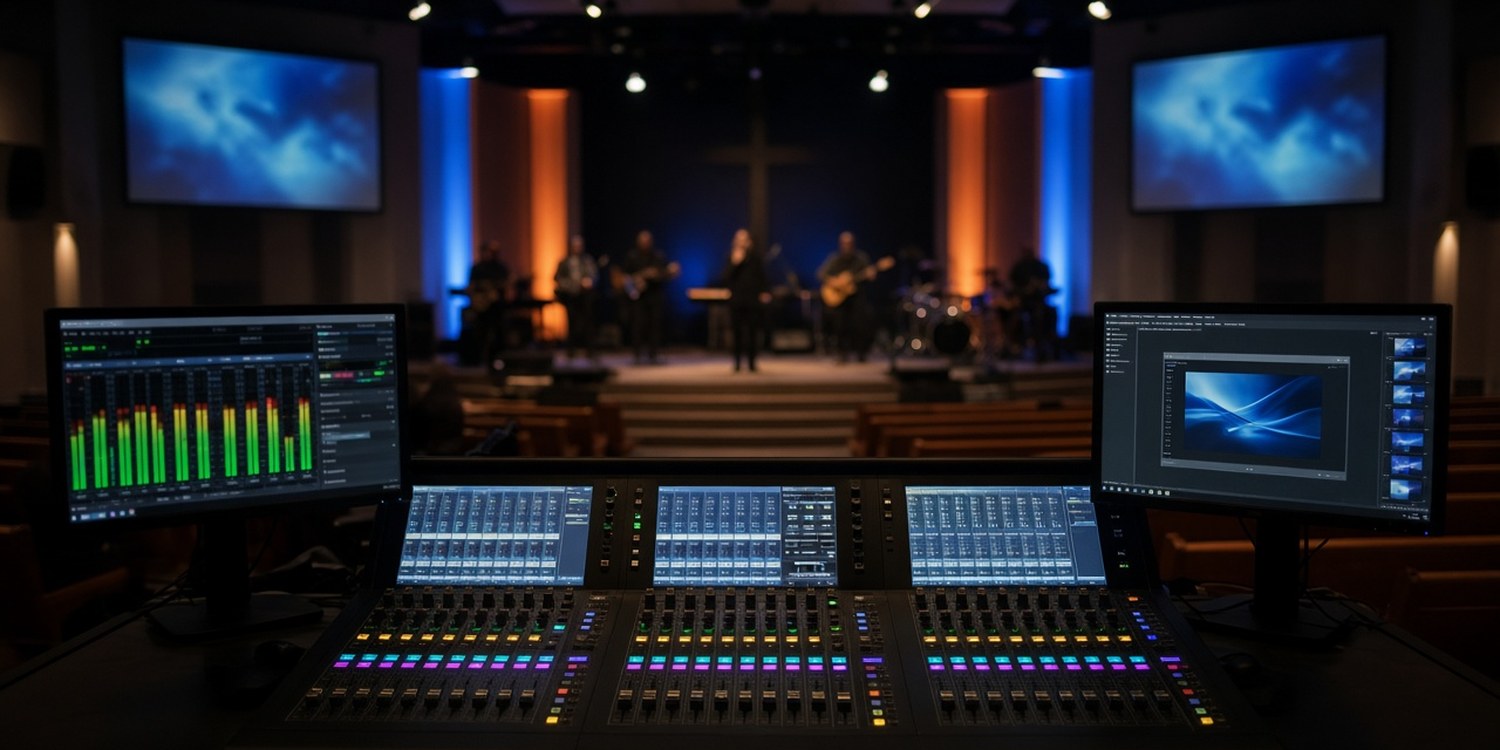
If you want a closer look at the seats themselves, we covered them in our guide to the church media booth.
What goes wrong when you schedule it like any other team
Right person, wrong seat
A schedule that lists names without seats says "Alex is on media this Sunday". It does not say whether Alex is on sound or on slides, and that matters.
The same few people, every week
If only three people can run sound, they will be asked far more than anyone else. They are also the people most likely to burn out, or to quietly stop volunteering.
A seat with no backup
When the one person trained for a seat is away or ill, the schedule has no obvious answer. Asking "any media volunteer" brings replies from people who cannot do that job.
A replacement who is free but not trained
The loudest "yes" in a group chat is not always the right person. Someone who volunteers for sound without having done it before may leave you with a problem that is bigger than the empty seat.
Mixed signals when one seat changes
When the person on cameras declines, the person on projection should not be affected. In a spreadsheet or a chat, everything looks like one list, so a change in one seat creates confusion in another.
A Sunday with one seat empty
Picture it. The schedule says four people are on media. On Sunday morning, the person on sound writes that they are ill.
You now have a service that starts in two hours, a sound desk that nobody else on the list can operate and a group chat full of people who can run slides. You start messaging the two or three people you know can do sound, one at a time. Maybe one answers. Maybe none does.
Meanwhile the person on slides is waiting to hear whether anything has changed for them. They did nothing wrong, and they are still caught up in it.
This is not a rare event. It is what a small team with specialist seats looks like on a regular week.
What it costs
- A visible failure. Sound that does not work or slides that do not come up are noticed by everyone in the room.
- A stressed coordinator. If you are also the person on the booth, a gap in the schedule becomes your problem on the day.
- A fragile team. When a few people hold all the skills, any absence puts the whole service at risk.
- Slow growth. Without a view of who is trained for what, it is hard to see where you need to train more people.
None of these problems are about effort. They come from a schedule that treats a specialist team as if it were a general one.
What a media schedule needs to understand
To work for a team like this, a schedule needs to know a few things.
- Seats, not just names. Who is on which position for each service.
- Who is trained for what. So the right people are considered for each seat.
- A minimum for each seat. A service is not covered until every seat has someone.
- Replacement by seat. When someone drops out, the request goes to the people trained for that seat.
- A coordinator for the team. The person who knows the media team should be the one who hears about problems.
How Planify handles it
Planify's structure follows the way a media team actually works.
- Departments and positions. You can have a media department with positions such as sound, cameras and projection. Each position belongs to its department, and the department has a coordinator.
- People assigned to the positions they can do. A member can be linked to the positions they are trained for.
- Positions inside an event. A structured event lists its positions, with a minimum number of people required and an optional maximum.
- Confirmation per position. Each person confirms the position they were assigned to, on WhatsApp, with a tap. A decline on cameras does not change the status of projection.
- Replacement from the same position. If someone declines, Planify can ask colleagues who cover that same position. You can switch replacement requests on or off for each position.
- The right coordinator is told. An alert goes to the coordinator of the position's department.
- A monthly planner that respects the seats. It can propose the month while taking into account required or excluded members for a position, unavailability and a fair spread of assignments, and it flags positions it cannot fill.
You still decide who belongs on which seat. Planify uses that information to schedule, confirm and replace.
Which features you get depends on your plan.
Read next: last-minute volunteer cancellation: a recovery plan.
FAQ
How do you schedule a church media team?
By seat, not by name. Each position, such as sound, cameras and projection, needs someone trained for it, and each service needs every seat covered.
How many people do you need on a media team?
It depends on the seats you run and how often. A useful rule is to have more than one trained person for every seat, so that no single absence leaves it empty.
What do you do when the sound volunteer cancels?
Ask people who are trained for sound, not the whole team. A free volunteer who has never run the desk can cause more trouble than an empty seat.
How do you stop the same people carrying the media team?
Keep track of who is trained for each seat and how often they have served, and train backups for the seats with the smallest pool.