





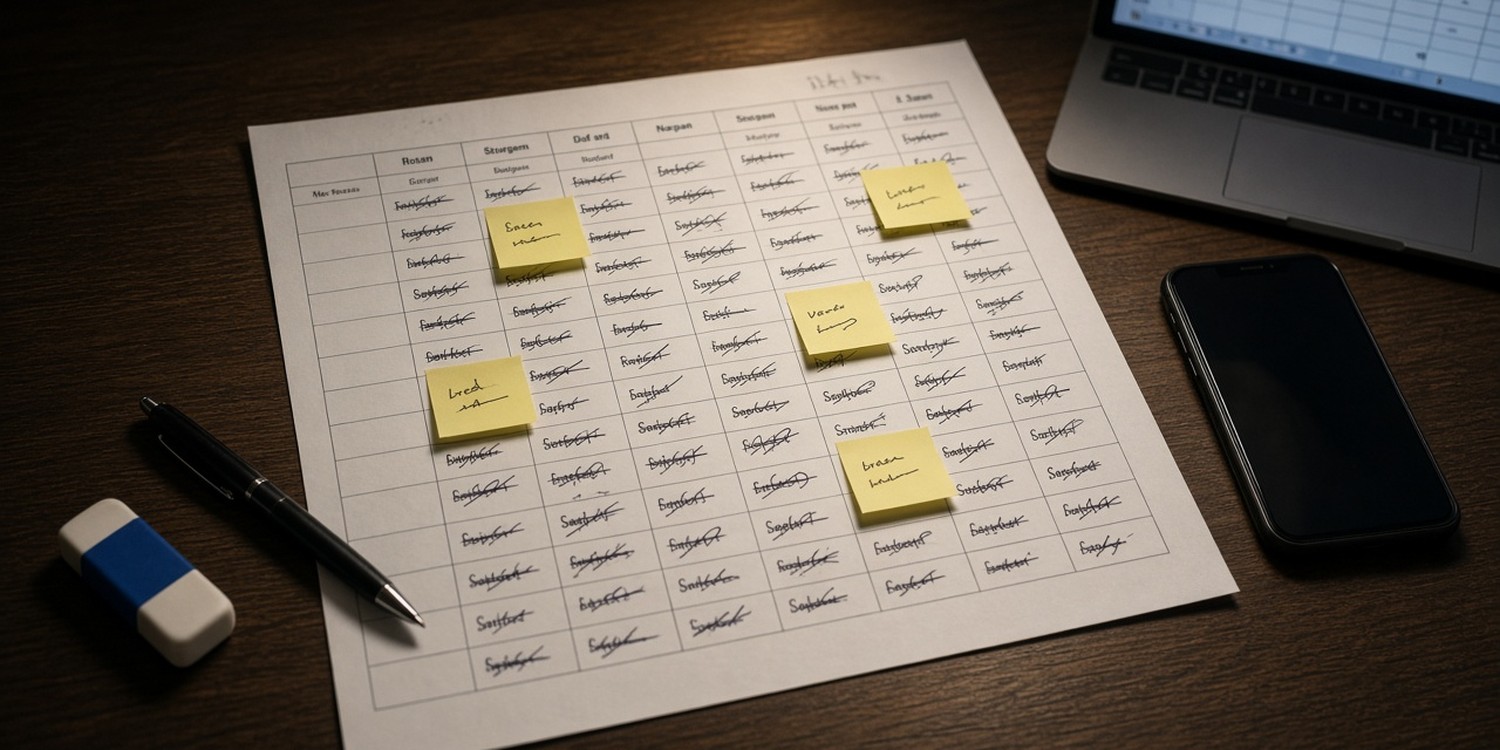
The monthly volunteer schedule looks simple from the outside. Take a calendar, add names, send it.
Anyone who has built one knows better. It is a puzzle with moving parts, and it tends to land on the same evening every month, the one you meant to spend on something else.
This article explains what goes into a monthly schedule, where it breaks when you build it by hand and why it keeps coming back to the coordinator.
Key takeaways
- A monthly schedule is not a list of names. It balances availability, positions, time conflicts and fairness at once.
- By hand, the weak points are scattered availability, double-booking and the same few people being asked again and again.
- Every late change forces you to redo part of the work and tell people again.
- A schedule that exists in a spreadsheet and a screenshot is two schedules.
What actually goes into a monthly schedule
When you sit down to build next month, you are solving several problems together.
- Availability. Who is away, who works weekends, who cannot do the second service.
- Positions. Sound needs a trained person. Welcome needs friendly faces. Not everyone fits every seat.
- Time conflicts. One person cannot be in two places at the same hour.
- Fairness. If the same five people serve every week, they burn out.
- Special dates. Holidays, events, one-off services.
You hold all of this in your head, and in a spreadsheet, and in messages from people who told you something three weeks ago.
Where it breaks when you build it by hand
Availability lives in too many places
One volunteer told you in the chat. Another replied to an email. A third mentioned it after the service. The information exists, but it is not in one place when you need it.
You collect it again every month, or you work from memory.
Double-booking is easy to miss
A grid with many names and several Sundays has many ways to go wrong. Someone appears twice on the same morning. Someone is placed in a seat they have never done.
You often find out when the person calls to ask why they are on two teams.
The same people get asked again and again
Without a count in front of you, you choose the names you know. They are reliable, so you pick them again. Reliable people become tired people.
Church-software guides regularly suggest limiting how often one person serves and rotating teams. That is easy to say and hard to track in a spreadsheet.
One change ripples through the month
A person cancels. You move someone else. That person now has two Sundays in a row, so you move a third.
Each fix takes a minute. A month has many of them.
The final schedule becomes two schedules
You build the schedule in a spreadsheet. You send a screenshot or a PDF. A week later you change one name in the spreadsheet.
Now the file in your volunteers’ phones is wrong, and nobody knows which one is right.
The real cost is not the hours
It is easy to measure the evening you spend building the schedule. The harder cost is what follows.
- The weekend you lose before the month starts
- The messages you write to say “the schedule changed”
- The volunteers who show up on the wrong Sunday
- The coordinator who becomes the only person who understands the grid
The schedule becomes a job that only one person can do, and nobody else can pick it up when that person is ill or on holiday.
A typical month, week by week
It helps to look at how the work spreads across a month when you do it by hand.
- Week one: you ask for availability. Some people answer, others do not.
- Week two: you chase the missing answers and start filling the grid.
- Week three: you fix clashes, balance the load and send the schedule.
- Week four: the first changes arrive. You edit the grid, tell the people affected and start next month’s request.
The work never fully stops. It overlaps with the next month before this one is finished.
Signs your schedule has outgrown the spreadsheet
You may recognize some of these.
- You keep a second file just for notes about who cannot serve.
- Volunteers ask you “am I serving this Sunday?” in private messages.
- You have found the same person on two teams in the same week.
- Only you know how the grid works.
- A cancellation makes you open the whole month again.
- The schedule you sent is not the schedule you now have.
One sign is a nuisance. Three or more mean the spreadsheet is carrying more than it was built for.
Why people accept it
Because it works, most of the time. Churches and nonprofits have run on spreadsheets for years.
The trouble is that it works through the effort of one person. When the team grows from two services to three, or from one team to five, the effort grows faster than the team.
Where Planify fits
Planify has a monthly planner built for this puzzle.
You choose the month. Planify proposes assignments for every open position and shows you the plan before you apply it.
When it builds the proposal, it takes into account:
- Unavailability. People marked as unavailable are not placed on those dates.
- Time conflicts. One person is not placed in two overlapping slots.
- Spread. Among eligible people, those with fewer assignments are considered first, so the load is shared.
- Your rules. For a position you can require a specific person or exclude one.
If a position cannot be filled, you see it as unfilled, with a warning, before anything is saved. You review the proposal, change what you want and then apply.
After that, volunteers can receive their schedule on WhatsApp and confirm or decline with one tap, with no app to install. You can also share a read-only schedule link, so there is one version that people can open. Monthly schedule messages depend on your plan.
If a volunteer declines later, you can ask colleagues who cover the same position instead of rebuilding the month.
Read next: open call vs. direct assignment: which scheduling method fits your event.
FAQ
How far ahead should a monthly volunteer schedule be published?
Guides from church-software vendors disagree, from three weeks to eight. Choose a rhythm you can keep every month and publish on the same date.
What information do I need to build a monthly schedule?
Availability, the positions to fill and how many people each needs, any time conflicts and the special dates in the month.
Why does the schedule keep changing after it is published?
People’s plans change. The more people and positions, the more changes there are. That is why a single shared version matters.