





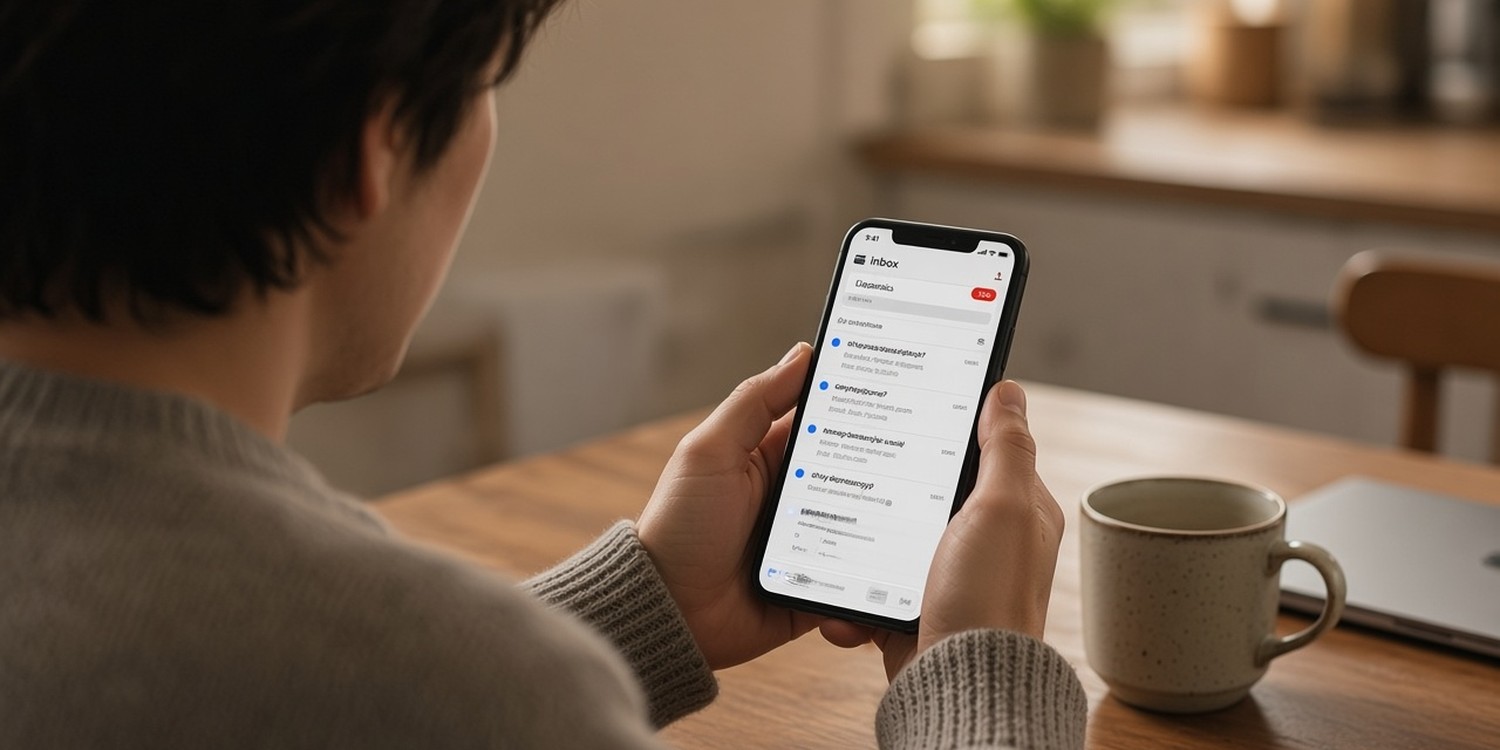
You send the schedule on Monday. By Thursday, half the team has not answered. On Saturday you start calling.
It feels personal. It usually is not. Most volunteers who ignore your scheduling emails are not careless. They are busy, and your email asked them to do something that is easy to postpone.
This article explains why email fails for scheduling and what to change.
Key takeaways
- Volunteers skim email. They answer messages that are short, personal and need one clear action.
- "Open rate" is a weak signal today. Look at replies, not opens.
- A small study of volunteer groups found personal contact beat email-only for RSVPs and attendance. Its authors warn the result may not apply elsewhere.
- Whatever channel you use, make replying take one step.
Why volunteers do not answer scheduling emails
Volunteer-management guides name a few common reasons.
- The subject line says nothing. "Update from the team" and "Schedule for August" look like every other message and say "this can wait".
- The timing is off. Emails land when people are at work or busy with family.
- You send too often. If every message feels routine, people train themselves to skip them all.
- Nobody reads the whole thing. Even people who open an email scan for the part that applies to them.
- There is no clear action. If the email needs a long reply, it goes on the "later" list.
None of these is about faith or commitment. They are about attention.
Why "open rate" misleads you
If your email tool says half of your volunteers opened the schedule, do not count on it.
Since late 2021, Apple's mail privacy feature opens emails automatically for people who use an Apple inbox. A nonprofit benchmarking study, M+R Benchmarks 2025, stopped reporting open rates for this reason. Among participants who could separate the two, 64 percent of all opens were opens by machines, not people.
Opens still tell you something about whether emails reach the inbox. They do not tell you who read your message. For scheduling, the number that counts is how many people replied.
What the research says about personal contact
A study from 2018 by States Win (then called Sister District), run with a Virginia Tech researcher, tested ways to get volunteers to RSVP and attend team events.
The authors report that personal contact, by call, call plus text or text alone, beat email-only. Contacting volunteers personally increased RSVP rates by 168 percent and attendance rates by 177 percent in the recruitment study. In a second study on confirmations, personal contact raised attendance by 51 percent compared with an email confirmation.
There are important caveats, and the authors state them. Both studies involved volunteers for one political organization, the results cannot be generalized, and the studies were underpowered. Treat them as a signal, not a rule.
There is a second, more modest finding. Pew Research tested text reminders against email-only for survey invitations. Texts made people respond sooner. By the end of the 20-day field period, the final response rate was the same.
For a volunteer schedule, that is still useful. Your deadline is days away, not weeks. Speed matters.
What works instead of long emails
The best approach is not "stop using email". It is to match the message to the job.
- Use email for detail. Newsletters, training notes and anything people need to keep belong in email.
- Use a short message for time-sensitive asks. Shift reminders, changes and confirmations need a fast answer.
- Ask one question. "Can you serve on Sunday 9:00 at the sound desk? Yes or No."
- Make replying one step. The more steps between reading and answering, the more people postpone.
- Make sure replies go somewhere. Some texting tools are one-way. If a volunteer replies and nothing happens, you lose trust.
- Do not over-message. One guide says that several reminders for a shift someone already confirmed signal distrust, and people start ignoring the number.
- Get consent. In many places you need clear permission before texting people.
A before-and-after example
Before
Subject: Schedule update
"Hi team, please find the September schedule below. Let us know if there are any problems or conflicts. Thank you for all you do."
After
Subject: Are you on the sound desk Sunday, Sept 7, at 9:00?
"Hi Daniel. You are scheduled on sound this Sunday at 9:00. Can you make it? Reply Yes or No by Thursday."
The second version has a time, a role, one question and a deadline.
A checklist for every scheduling message
Before you press send, check five things.
- Who: Does the message use the person's name?
- What: Is the role clear?
- When and where: Are the date, time and place in the first two lines?
- Ask: Is there one question with two possible answers?
- By when: Is there a reply deadline?
If any answer is no, rewrite it. Most scheduling messages fail on the last two points.
How to change your routine this week
You do not need a new system to start. Try this for the next schedule.
- Pick one team, such as the welcome team, as a test.
- Rewrite the message using the checklist above.
- Set a reply deadline two or three days before the service.
- Count replies, not opens. Write down how many volunteers answered by the deadline.
- Follow up personally with anyone who did not reply. A short message from the team leader works better than a second blast.
- Compare with how the same team responded last month.
If replies go up, apply the same format to other teams. If they do not, look at the timing and the number of messages you send.
Why one person owning follow-up matters
A coordinator cannot chase every volunteer. Ask each team leader to follow up with their own team.
People answer someone they know. A line from the leader, such as "Daniel, can you let me know about Sunday?", gets a response more often than a general reminder to the whole list. It also spreads the work, so you are not the only person writing messages every Thursday night.
Where Planify fits
If you apply all of this by hand, you end up writing individual messages every week and tracking replies in a spreadsheet.
Planify is built around the same idea. It sends each volunteer their assignment as an official WhatsApp Business message. They confirm or decline with one tap, with no app to install and no password to remember. You see the answers live on one screen.
It works for different situations: assigning specific people to positions, an open call with limited spots, a direct assignment, a mix of both, or a simple announcement.
Read next: how to organize Sunday volunteer teams without chat chaos.
FAQ
Why do volunteers not respond to email?
Common reasons are vague subject lines, poor timing, too many messages and no clear action. People skim, and anything that needs a long reply gets postponed.
Is email a bad way to schedule volunteers?
It is fine for details people need to keep. For quick confirmations and reminders, a short message with a one-step answer works better.
How do I get volunteers to reply faster?
Ask one question, name the role and the time, set a reply deadline and make answering take one step.